Process Design User Interaction
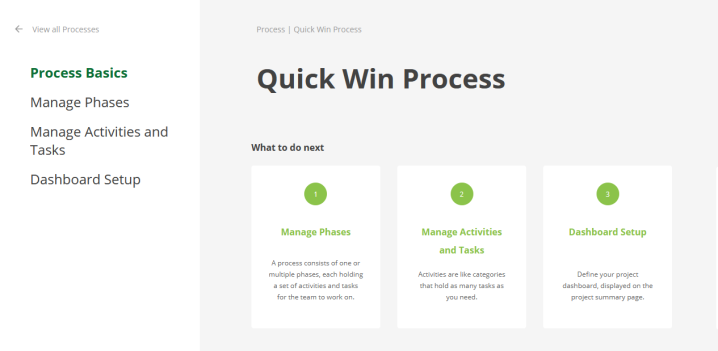
 The Process Basics page displays guidance about the steps to define a process.
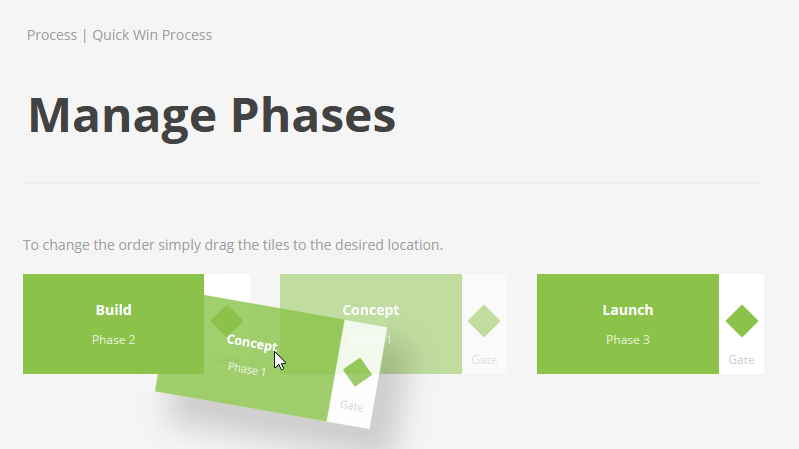
On the Manage Phases page, you can drag the phases into the desired order.
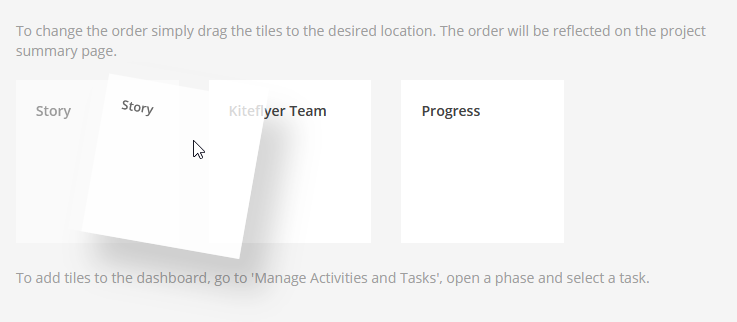
On the Dashboard Setup page, you can sort the tasks via drag and drop. The project dashboard displays tasks you have marked as relevant for the dashboard during the process definition. The dashboard appears on the Project Summary page.
 Your feedback is greatly appreciated.
 Log in as process designer and go to Library > Administration > Platform Administration > Project Processes.